Convert WebP to PNG Online: The Complete 2026 Guide
WebP files won't open in PowerPoint, Photoshop CS6, or older Windows apps? Convert WebP to PNG free in your browser — preserves transparency, no quality loss.
Why convert WebP to PNG?
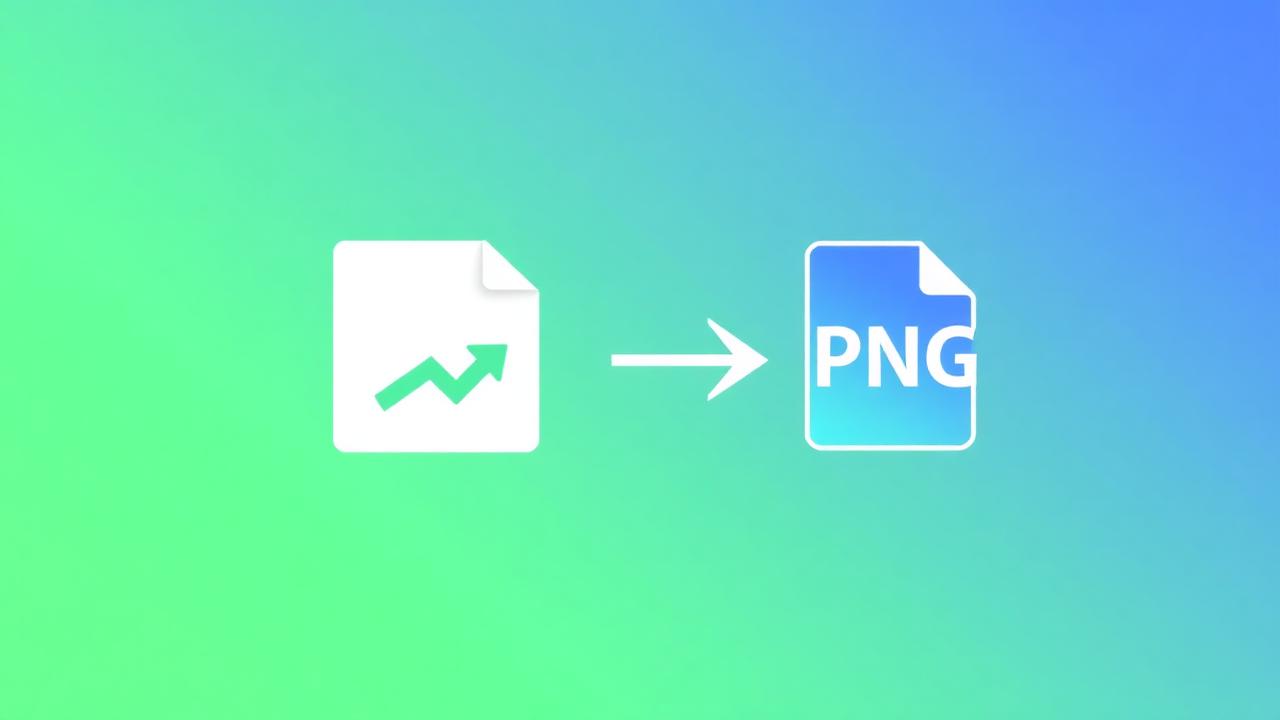
Google's WebP format is great for the web — but it breaks down the moment you leave the browser. PowerPoint, Keynote, WhatsApp Desktop, Photoshop CS6, MS Paint, and many email clients still don't handle WebP. PNG is the universal fallback that works everywhere. If you've ever saved an image from Chrome and gotten a baffling .webp file that won't open anywhere, this is the fix.
Common reasons people convert WebP to PNG
- You saved an image from Chrome and it downloaded as
.webp. - You need to embed it in a PowerPoint deck or Word document.
- You want to edit it in legacy Photoshop, GIMP, or MS Paint.
- You're sending it via WhatsApp Desktop, which strips WebPs.
- A client asked for a "PNG version" and won't accept anything else.
- You're embedding it in an older email client that doesn't preview WebP.
- You're uploading to a CMS or marketplace that only accepts PNG/JPG.
Convert WebP to PNG in 3 steps
- Open our WebP to PNG tool.
- Drag your WebP files in (batch supported).
- Click Convert and download.
Conversion is instant and happens entirely in your browser. Your file is never uploaded — see our privacy primer for the reasoning.
Will I lose quality?
No. PNG is lossless and preserves every pixel of the source WebP — including transparency. The output PNG will look identical to the original WebP, just larger in file size (PNG isn't as efficient as WebP). A typical 200 KB WebP often becomes a 600–900 KB PNG.
What about animated WebPs?
Animated WebPs convert to the first frame as a static PNG. To preserve animation, convert to GIF instead — though GIF is capped at 256 colors and rarely looks as good. For real animations, use MP4 or WebM.
WebP to PNG vs WebP to JPG
If your WebP has transparency (a logo, icon, or product cutout), use PNG to keep the alpha channel. If it's a photo and file size matters, use JPG instead — JPG is much smaller than PNG for photographic content. Our WebP to JPG converter handles that route.
When to keep it as WebP
If you're putting the image on a website you control, leave it as WebP. Every modern browser supports it, and the file is 25–35% smaller than the PNG equivalent — which adds up to faster page loads and better Core Web Vitals. We covered the wider story in why file conversion matters.
Right-click "Save as JPG" — does it work?
In Chrome and Edge, right-clicking a WebP and choosing "Save Image As" now offers a JPG/PNG fallback for many images. The catch: it doesn't preserve transparency, the quality is sometimes mediocre, and it doesn't work in batch. For anything serious, a dedicated converter is faster and more reliable.
What about iOS Photos app?
iOS converts WebP to a system-native format when you share. If you've airdropped a WebP from a Mac, the receiving iPhone may keep it as WebP — which then can't be sent on via WhatsApp or Instagram cleanly. Convert to PNG (or JPG) in the browser and re-import.
Batch tip for designers
Got a folder of WebPs from a design hand-off? Drop the whole folder in at once. The converter processes them in parallel on your CPU, packages them into a ZIP, and you can drag-and-drop straight into Figma, Photoshop, or your CMS.
FAQ
Is there a file-size limit? No. Your device's RAM is the only ceiling.
Does it work on mobile? Yes — iOS Safari and Android Chrome both handle WebP rasterization fine.
What about WebP from Google Image Search? Same workflow. Drop, convert, download.
Can I convert PNG back to WebP afterwards? Sure — use our PNG to WebP converter when you need the smaller size again.
Need it now? Convert WebP to PNG free — no upload, no signup, no watermark.
Keep learning
If you found this useful, a few related guides go deeper on adjacent problems: our file-format reference covers when to pick which format, why file conversion matters in 2026 puts the bigger picture together, and why browser-based conversion is safer covers the privacy architecture every tool on this site is built around. For everyday image work, the image resizer and full converter index are the two pages most readers bookmark.
About this guide
This article is part of the OnlineFileConverter editorial library — practical, vendor-neutral writing on file formats, conversion workflows, and digital privacy. Every recommendation here is something we'd give a friend, not a sponsored placement. Our editorial standards page covers how we update articles, who writes them, and how we handle advertising. If you spot something out of date or want a guide on a topic we haven't covered, tell us — we read every note.
Keep learning
If you found this useful, a few related guides go deeper: our file-format reference, why file conversion matters in 2026, and why browser-based conversion is safer. The image resizer and full converter index are the two pages most readers bookmark.
About this guide
This article is part of the OnlineFileConverter editorial library — practical, vendor-neutral writing on file formats, conversion workflows, and digital privacy. Our editorial standards page covers how we update articles, who writes them, and how we handle advertising. Spot something out of date? Tell us.
Related converters you can try right now
The three tools below are the ones most readers of this guide reach for next. All free, all browser-based, no signup.
- WebP to PNG converter — Open WebP in legacy apps that don't support it.
- PNG to JPG converter — Flatten transparency before sharing or printing.
- PNG to WebP converter — Go back the other way to save bandwidth on the web.